
We’ve all been there. Maybe you’re prepping for a big job interview and want to see if your future boss checked you out.
Maybe you’re just curious if an old friend or a former flame is keeping tabs on your life. Whatever the reason, the urge to know exactly who is looking at your Facebook profile is incredibly common.
This curiosity drives thousands of people to search Google daily for ways to reveal their secret profile viewers.
And I am guilty of doing this as well. I remember Googling “How to see who is stalking your Facebook profile?” to know if my ex-bestfriend tried checking my profile.
However, in my defense, I was a child (or so would I like to claim). Now, as a working professional in my late 20s, I have done extensive research to find out the truth.
That is: searching for this information can put your digital safety and mental well-being at risk. Serious risk.
Quick Answer: How To See Who Is Stalking Your Facebook Profile?
Officially, there’s no way to tell who exactly is looking at or stalking your Facebook profile. According to their Facebook Help Center, Facebook policy clearly says that they don’t provide this option for users to see who has viewed their profile.
Even though there are plenty of videos going viral and articles out there spreading false information about this issue, no secret trick or hidden source code is able to show who has visited your profile.
If you wonder a lot about those who visit your profile in total silence, then this is something that you won’t see. However, there are some features on Facebook that can help you catch visibility clues while also improving your account’s privacy settings.
The Hard Truth: Facebook Doesn’t Allow It
Let’s clear up the biggest myth right away: Facebook does not let you see who views your profile.
In fact, Facebook also clearly mentions that they do not permit third-party apps to offer this feature.
Technically, Facebook is very protective of this data as it is very much linked to the privacy of the users.
Allowing people to see the exact list of visitors to their profile would lead to a drastic drop in user engagement. People would refrain from casually browsing in fear of getting ‘caught.’ [Source: How Stuff Works]
The takeaway: If an article, app, or website claims they have a “secret trick” to bypass this rule, they are lying.
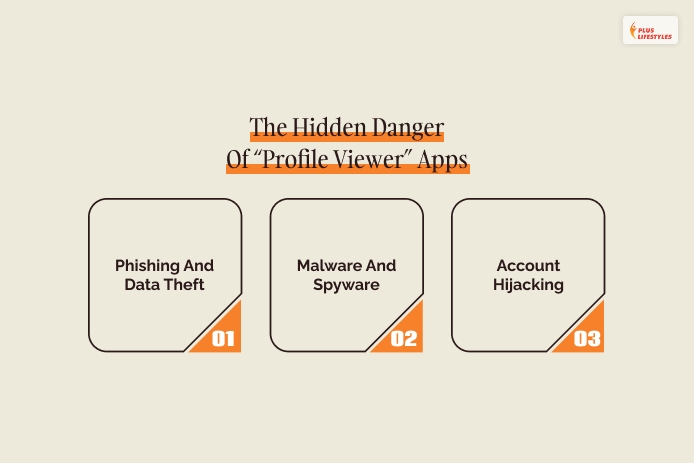
The Hidden Danger Of “Profile Viewer” Apps
Because the desire to see profile viewers is so high, scammers use it as bait. You have likely seen advertisements for mobile apps, website portals, or Google Chrome extensions that promise to reveal your secret stalkers. [Source: Consumer Protect]
Interacting with these tools can cause serious security issues:
1. Phishing And Data Theft:
First, there is phishing and data theft, which is basically a fake digital doorway. The app will pop up a login screen that looks identical to Facebook’s official page.
You type in your username and password, thinking everything is fine, but you just handed your keys to a hacker.
They will change your password instantly, locking you out of your own account before you even realize what happened.
2. Malware And Spyware:
Then, you have to worry about malware and spyware. This usually happens when you download a sketchy tracker app or a Chrome extension.
You think you are installing a harmless tool, but you are actually putting a digital spy onto your phone or laptop.
This software runs quietly in the background, tracking every single thing you type, stealing your online banking passwords, and copying your credit card numbers when you shop online.
3. Account Hijacking:
And last, but not least, account hijacking. A modern-day puppet master turns your account into a puppet by gaining control of it after you grant the malicious app permission.
They will blast out spam mail to your family using your real name. They will even post links laden with viruses on your friends’ walls.
Because your loved ones think that they are receiving these messages directly from you, they trust it and click it. And your account then spreads throughout your whole network.
Note: If you have downloaded one of these apps in the past, change your Facebook password immediately and revoke the app’s access in your Facebook settings.
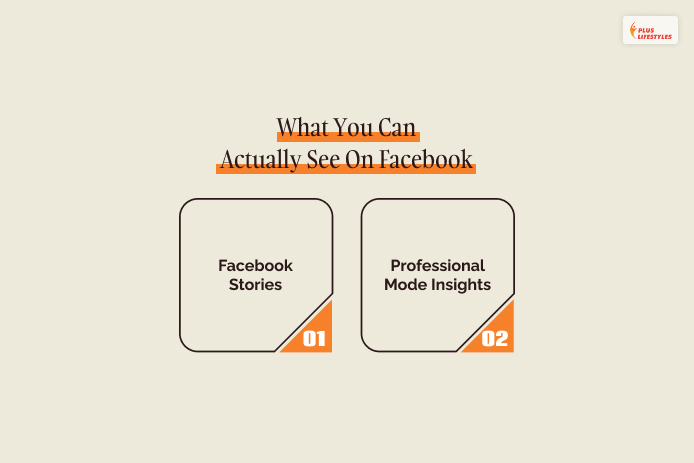
What You Can Actually See On Facebook
While you cannot see who is casually browsing your main timeline, Facebook does provide a few legitimate ways to see who interacts with your content:
1. Facebook Stories
When you post a Facebook Story (photos or short videos that disappear after 24 hours), Facebook tracks exactly who opens it.
If you are friends with someone on the platform, their name will appear on your viewer list. Marie Claire reports that this is the only official feature that gives you a direct look at who is actively consuming your day-to-day content.
2. Professional Mode Insights
If you use Facebook for business, networking, or content creation, you can turn on Professional Mode in your profile settings. This unlocks an analytics dashboard. [Source: Facebook]
While it will never show you individual names, it will show you:
- Exact number of people who visited your profile in the last 28 days.
- Demographic breakdown (age, gender, and location) of your audience.
- Engagement rates of your posts.
What To Do Instead: Take Control Of Your Digital Boundaries
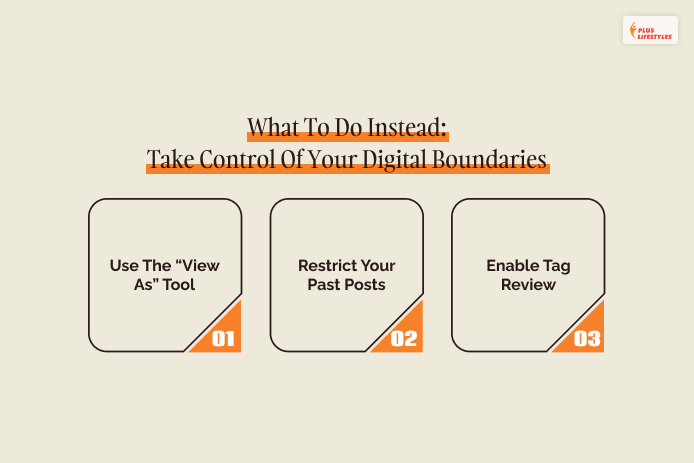
Instead of trying to catch people looking at your profile, focus your energy on controlling exactly what they can see.
For working professionals in their late 20s, managing your digital footprint is essential for both your career and your peace of mind.
Use these three steps to perform a quick digital privacy audit:
Step 1: Use The “View As” Tool
Have you ever wondered what your profile looks like to a complete stranger, a coworker, or a hiring manager? Facebook has a built-in feature that lets you check.
- Go to your main profile page.
- Click the three dots (…) next to the “Edit Profile” button.
- Select View As.
This will display your profile exactly as it appears to the public. If you see photos, political rants, or personal status updates that you wouldn’t want a boss to see, it is time to lock them down.
Step 2: Restrict Your Past Posts
You don’t need to manually delete years of old college photos to clean up your digital footprint. Facebook allows you to change the privacy of all your past posts simultaneously.
- Open your Settings & Privacy.
- Go to Settings, then click on Privacy.
- Under the “Your Activity” section, look for Limit the audience for old posts on your timeline.
- Click Limit Past Posts.
This instantly changes every post you have ever shared from “Public” or “Friends of Friends” to “Friends Only.” Anyone who isn’t officially your Facebook friend will see a completely blank timeline.
Step 3: Enable Tag Review
Don’t let your friends compromise your professional image. Turn on tag review so nothing appears on your timeline without your explicit permission.
- In your Privacy Settings, navigate to Profile and Tagging.
- Toggle on the option that says Review posts that you’re tagged in before the post appears on your profile.
Now, if a friend tags you in an embarrassing photo or a controversial post, it won’t show up on your page until you approve it.
So, What If You Don’t Know How To See Who Is Stalking Your Facebook Profile?
How to see who is stalking your Facebook profile? The answer is simple – officially, you can’t!
So, stop wasting time on sketchy apps that promise to reveal your profile viewers.
Rather, embrace the fact that Facebook privacy goes both ways:
- People can’t see when you look at them.
- You can’t see when they look at you.
By executing a quick privacy audit and using the “View As” tool, you can ensure that your digital boundaries are perfectly secure – no matter who happens to stumble across your page.